


Printing your wedding invitations can be tougher than you expect! As a wedding invitation designer for over 10 years, I’ve had to learn a lot about file prep and setup for printing. If you need some recommendations on the best places to print invitations, the best in-house printers for wedding invitations, and how to prep your files for printing invitations, you’re in the right place!
Prepping Invitations for Print
First, make sure your files are setup correctly! Most printers will want you to upload a PDF, and they’ll want a few things included:
CMYK not RGB for Invitations
Most online design programs, like Canva, will have you designing in RGB. But when you print invitations, you need your files in CMYK. Sometimes this means your colors will print a little more dull than they appear on screen, so keep that in mind. If you need really bright colors, you might want to use a program that works in CMYK or use letterpress printing. But in general, you should download your invitations in CMYK if possible for the best printing results!
Convert all Text to Outlines
This means that your text will be set and no longer editable. Depending on which program you use for design, you can outline in different ways! Sometimes when you save as a PDF there will be an option to outline your fonts. This ensures that if your printer doesn’t have the font you used, it won’t pull an error accidentally and print something crazy.
What is a Bleed on Wedding Invitations?
A lot of print shops will require you to send your files with a ⅛” or ¼” “bleed” on all four sides of your design. This is because they will print your design on a larger piece of paper, and cut it down to the final size. In that cutting process, if the paper or prints shift at all, then any elements that go to the edge of the page might just….end. And there will be a random white space around them. The way to fix this is to extend any design elements that go to the edge of the page at least ¼” beyond the edge of the page. The cut may happen anywhere within that “bleed” area, but it won’t look wrong! Your final file size should be larger than the size you want it cut to – for instance, if your printer requires a ⅛” bleed on all 4 sides, then a 5×7” invitation should be sent at 5.25×7.25” total (⅛” on left, right, top and bottom!). Here’s a video showing you this in action!
Trim Marks
Some printers will also require trim marks! Some programs allow you to download with trim marks, but if they don’t, you can add them yourself. They are just small lines just outside of the borders of your design that show where it should be cut.
The Best Places to Print Wedding Invitations Online
Now that your files are ready to print, here are some of the best places to print wedding invitations!
LCI Paper
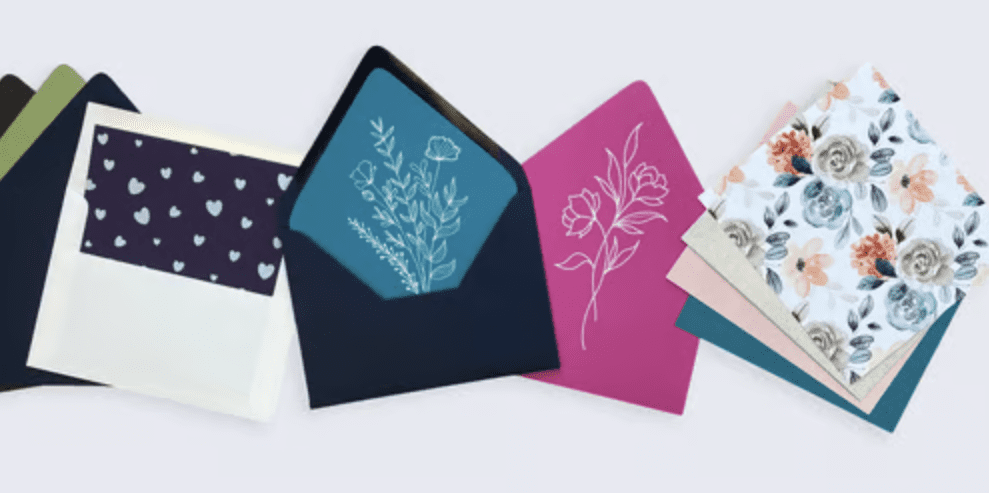
LCI Paper is a favorite printer for wedding invitations! They carry a lot of beautiful paper and envelope colors, and can print on all of them. They also offer laser-cut cards with printing on them, white ink printing, and vellum printing. I love their easy envelope printing as well as their different paper colors! Their print quality is always great and they are super helpful and easy to work with.
LCI Paper offers white ink printing, CMYK color printing, and black ink printing. They can print on envelopes, colored or white paper, laser-cut shapes and even vellum! Pretty much anything you need for your wedding invitations, you can find at LCI Paper, including supplies like adhesives, sticks for program fans, and clear bags.
Cards and Pockets
I also love printing with Cards and Pockets because they offer lots of different paper colors and shapes too! You can grab envelopes, pockets, belly bands, and more, as well as laser-cut shapes in all of their paper colors! Their papers are high-end for wedding invitations, and the print quality is really good. They even have a few paper and envelope colors that you can’t get anywhere else. I love their coral and dusty blue.
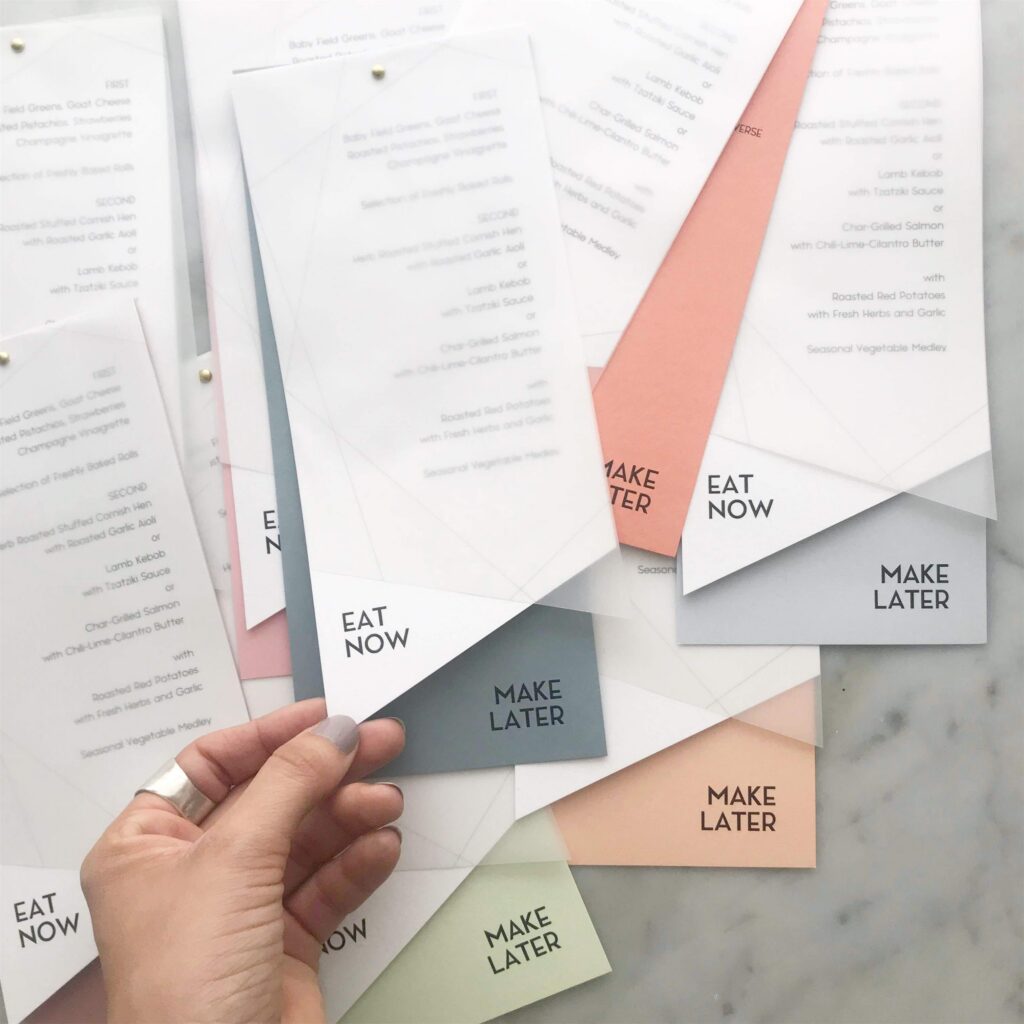
Cards and Pockets offers white ink printing, CMYK color printing, and black ink printing. They can print on colored paper, white paper, laser-cut paper and pockets, vellum, and even acrylic. These layered menus were printed by them – vellum, white paper, and 6 different back colors).
Prints of Love
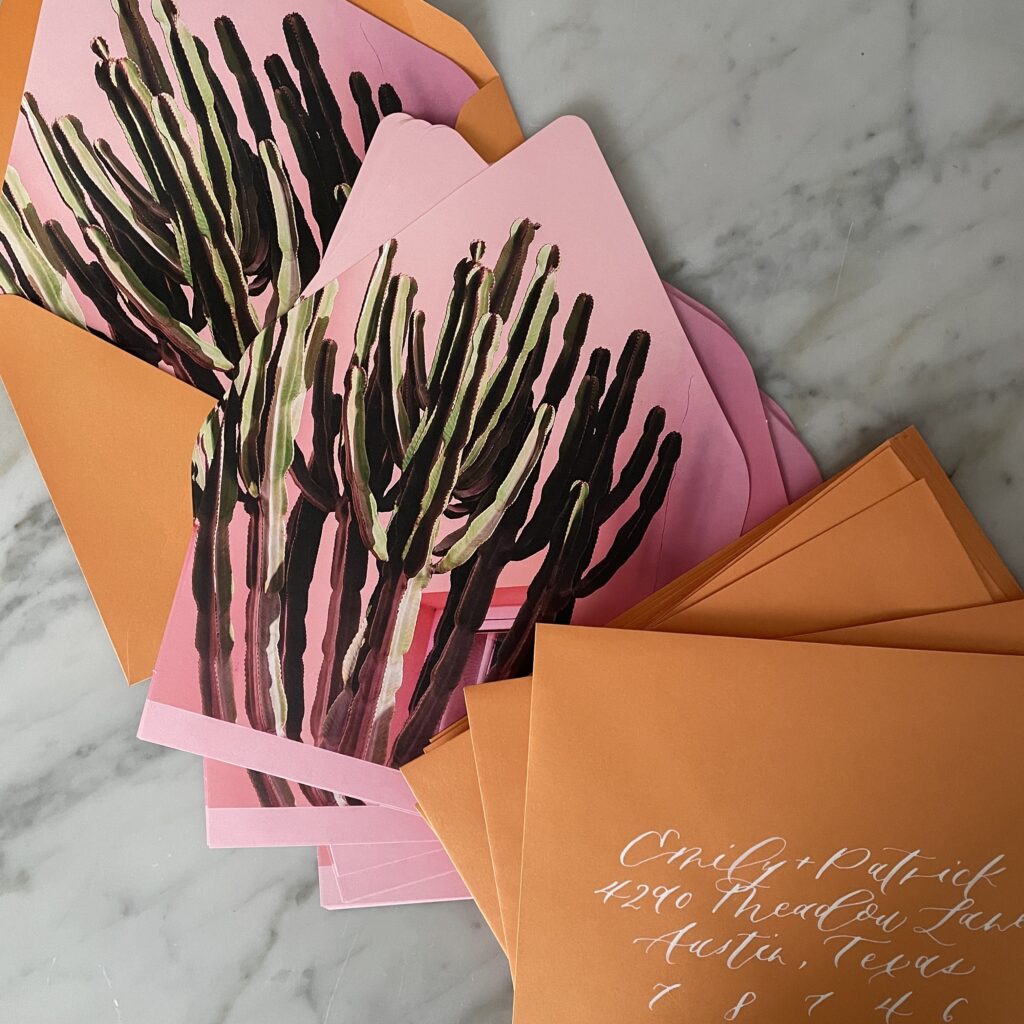
Prints of Love is a great DIY wedding invitation printer. They don’t offer all the bells and whistles, but for simple invitations, they do a great job and are very cost effective! It is really easy to upload your files to print, and all cards come with optional free white envelopes. I will say, I don’t like their envelopes AS much (I’d order envelopes from LCI personally – lots of colors to choose from!). But the card printing is gorgeous and if you don’t care about colored envelopes, then the free ones from Prints of Love will be great for you.
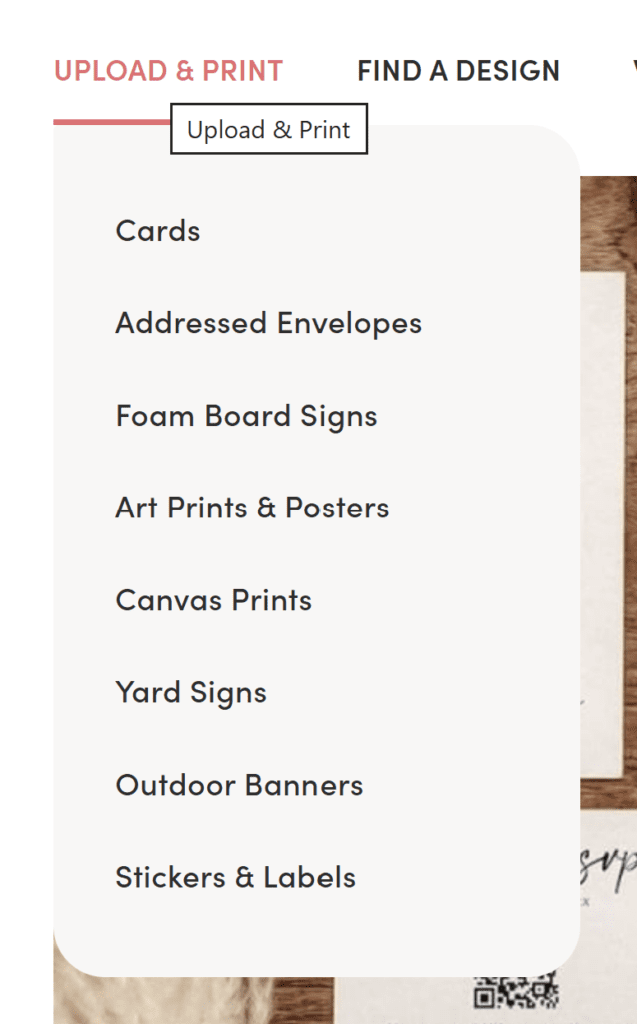
Prints of Love offers invitation printing and address printing on their white envelopes. They also offer additional types of printing like canvasses and signage that you might need for your wedding! I love ordering their foam signage as it ships quickly and is very cost effective for a wedding welcome sign, bar sign, or escort card board!
PrintsWell
PrintsWell is my number one favorite wedding invitation printer – however they are only for wholesale printing. If you are able to setup and create a wholesale account, you’ll get great pricing (plus, you can save $25 on your order with my link!). This is a great place to start printing if you plan to do this professionally – but if you’re just printing your own wedding invitations then start with the other recommendations!
For wholesale stationery printing, PrintsWell offers flat printing, die-cutting, white ink printing, gold foil stamping, and various finishing services as well! Almost all of the flat or foil printing you see on my page is from PrintsWell!
PS: If you want more wholesale printing / supply recs please grab our free Stationery Vendor Toolkit!
Printing Invitations from Canva
You might wonder why I don’t mention Canva for invitation printing. While I don’t hate Canva and use it a ton in my business, I haven’t had great results with their printing services personally. I think designing invitations in Canva is a great idea, but I’d recommend downloading from Canva and printing with one of the companies listed above! The print settings I’d use to print wedding invitations from Canva are:
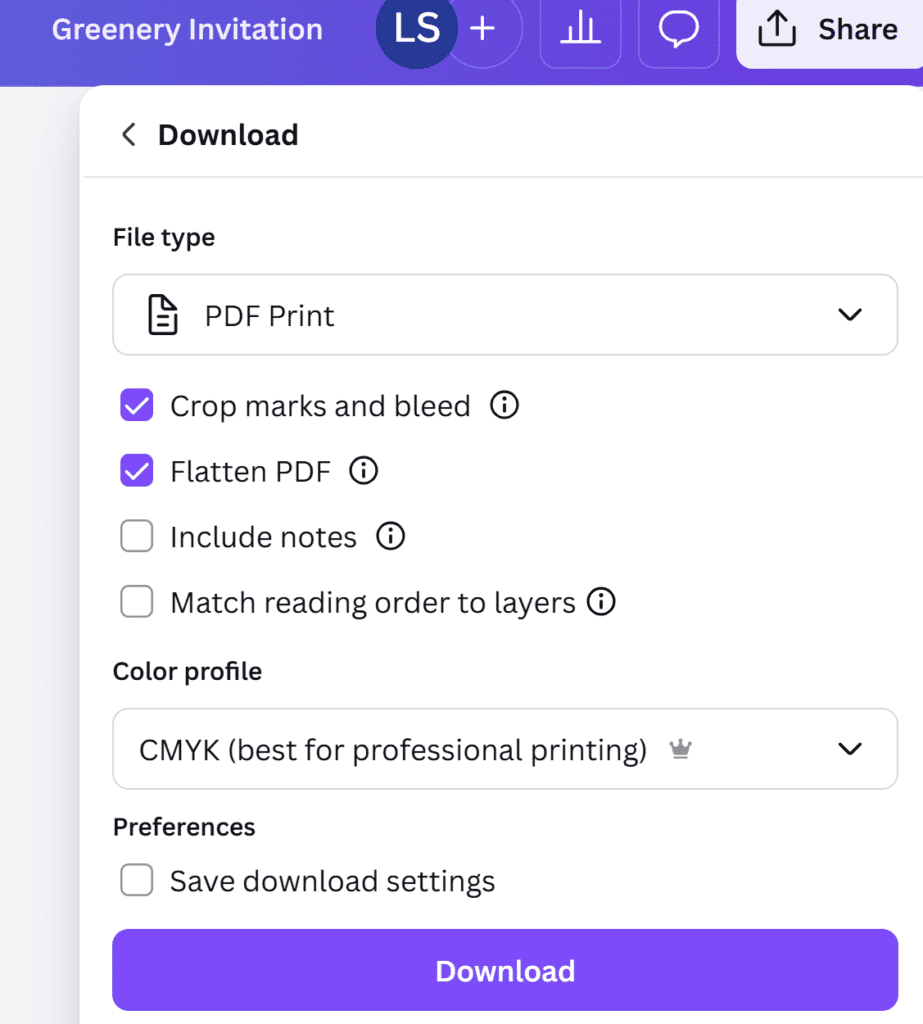
- Download as PDF Print
- Crop Marks and Bleed
- Flatten PDF (this will outline your text!)
- Color Profile CMYK (this is a Canva Pro feature)
Best Printers for Invitations
Now, if you’d like to print your wedding invitations yourself, then here are a few of my favorite printers for wedding invitation printing! These come highly recommended by the wedding invitation design community!
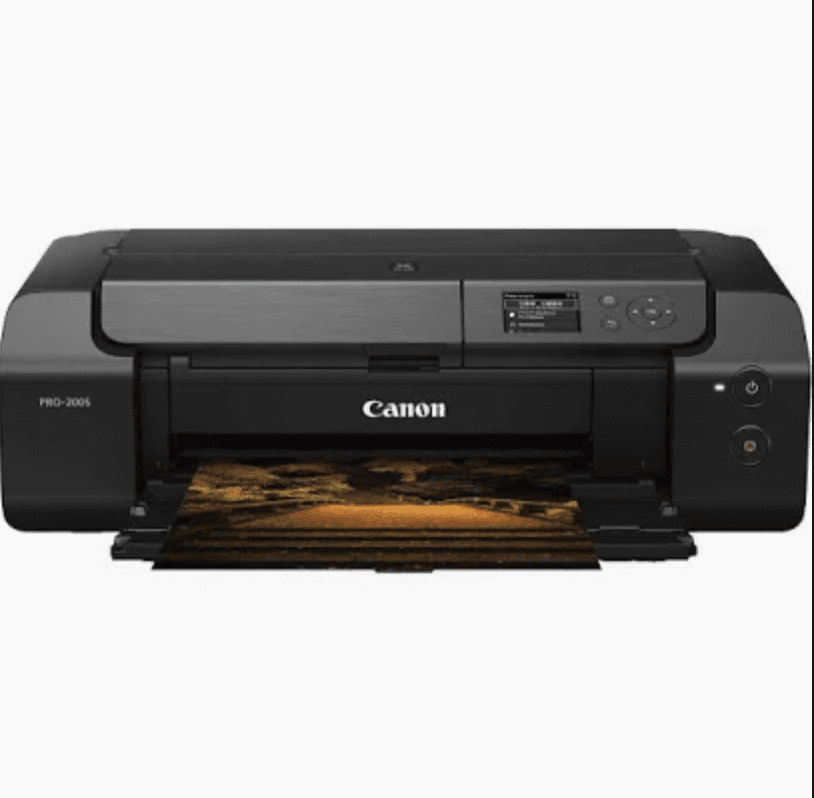
Canon Pixma Pro 100 or 200
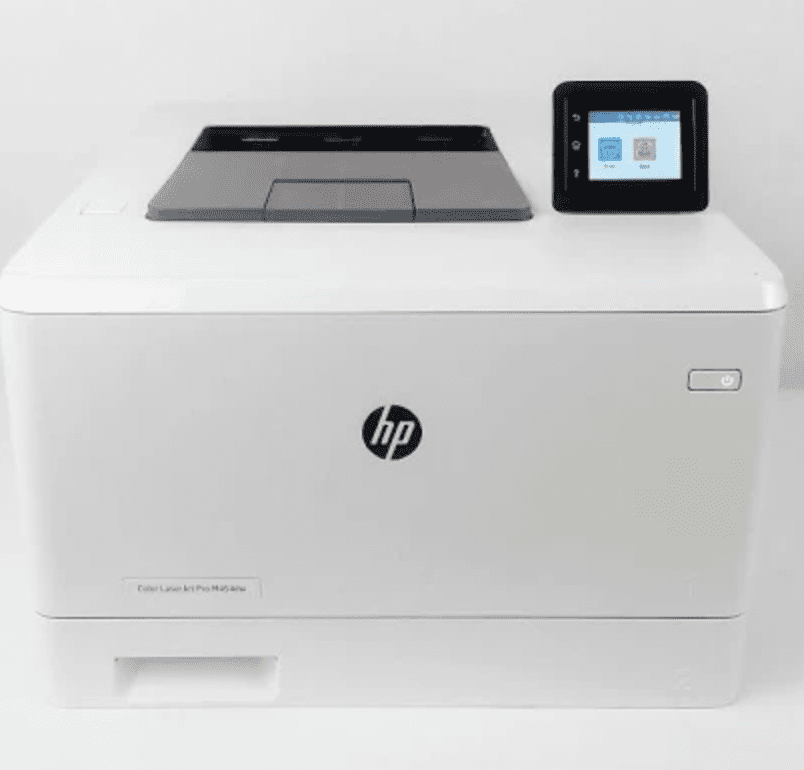
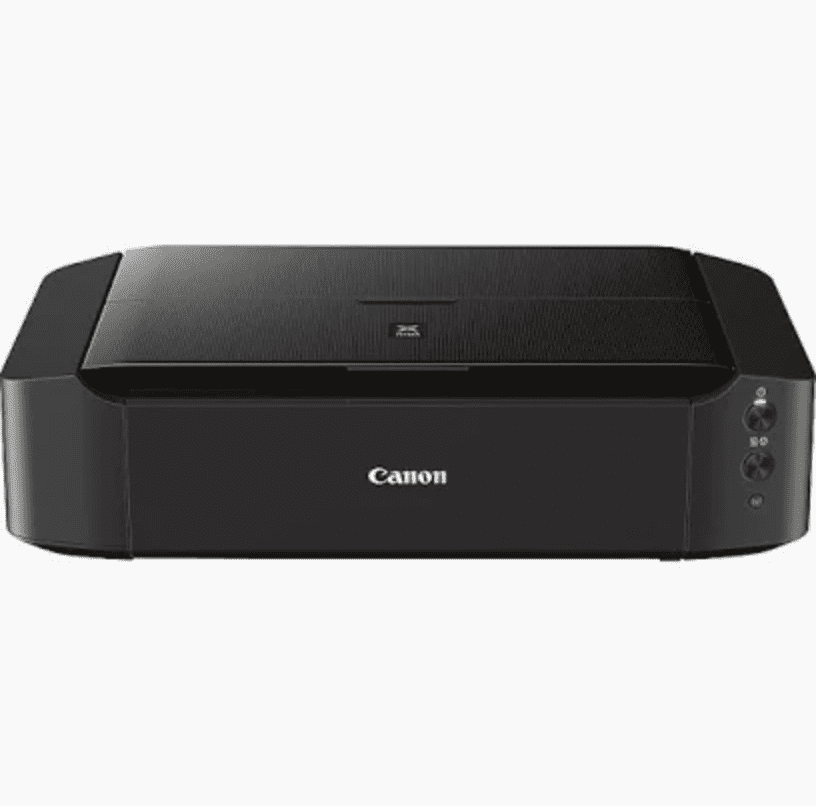

If you want a deeper look at how these machines fit into my daily office setup, check out all the tech I use in my stationery design business here!
Printing Wedding Invitations at Home
I will caution you about printing wedding invites at home – maybe it’s because I do this for a living, but I’m biased toward the better quality printing you can usually get from a professional print shop. I also think there’s a lot of time involved in printing yourself that you might not realize. Sadly, it’s not just clicking print!
Most likely, you’ll need to make several color adjustments before they look right, especially if your design is very colorful. You’ll find color adjustments much easier if you use advanced design programs like Photoshop and Illustrator.
You’ll also need to ensure your printer can handle thicker paper, which usually takes some finagling. And you’ll need to manually cut the paper down to size or pay to get it cut at a local office supply store.
Lastly, it’s tough to print envelopes on your home printers. They are just a bit more finicky than printing on flat cards, especially the small RSVP-sized envelopes. I’m not saying you can’t figure it out (use your “thick paper” or “envelope” paper settings for the best results and feed them 1-3 at a time), but it might be worth paying for a professional to handle that part! In most cases, you can either invest your time or your money into things, and printing wedding invitations is no different! Check out all the recommendations above for printing your wedding invitations, and let me know where you end up printing your invites!


Behind the scenes with your favorite Stationery Auntie Laney (and all the inside scoops!)


