




There are so many CRM options for designers – which CRM is best for you? I have explored most of the top CRMs on the market as a stationery designer, and I’m here to share the best ones for designers around the board. Our review and comparison will take into account overall features, user experience, cost, client experience, aesthetics and customization, design proofing options, and availability.
We are keeping designers in mind (graphic designers, stationery designers, web designers, etc.) so visual aesthetics and design proofing capabilities are highly considered in our reviews. If you are not a designer, you may find these qualities less important.
Affiliate links: This post uses affiliate links that will generally give you a discount on these different platforms. These links also earn us a small commission. The affiliate relationship does not affect our review.

Which CRM is Best for Designers?
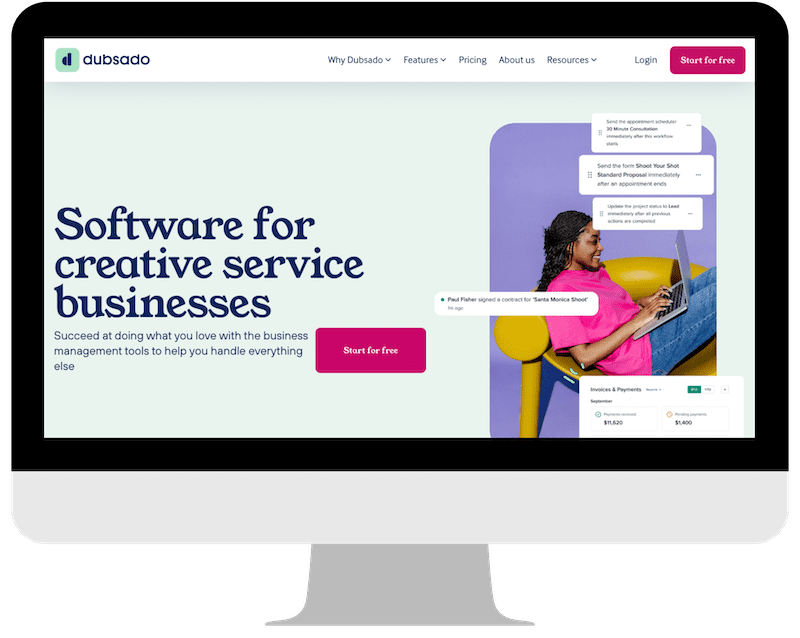
Honestly, I surprised myself with this pick, but I’d say Dubsado is the best overall CRM for designers. This is the system that I currently use, and I have been frustrated with their lack of improvements lately – but they started out pretty far in the lead and hopefully should have more feature releases once their conversion to Dubsado 3.0 is done (probably in 2026).
Dubsado is a feature-rich platform, well-priced, and extremely user-friendly. It’s got best-in-class automations, and good customer support. For designers specifically, there is decent customization potential, especially if you know coding, and a good option for providing visual proofs to your clients. Dubsado is also available almost everywhere, and supports lots of different types of businesses.
Other Top CRMs for Designers
We’ll explore 4 other systems today: Honeybook, Bonsai, 17Hats and Rock, Paper Coin. Let’s talk about their best features!
Honeybook for Designers
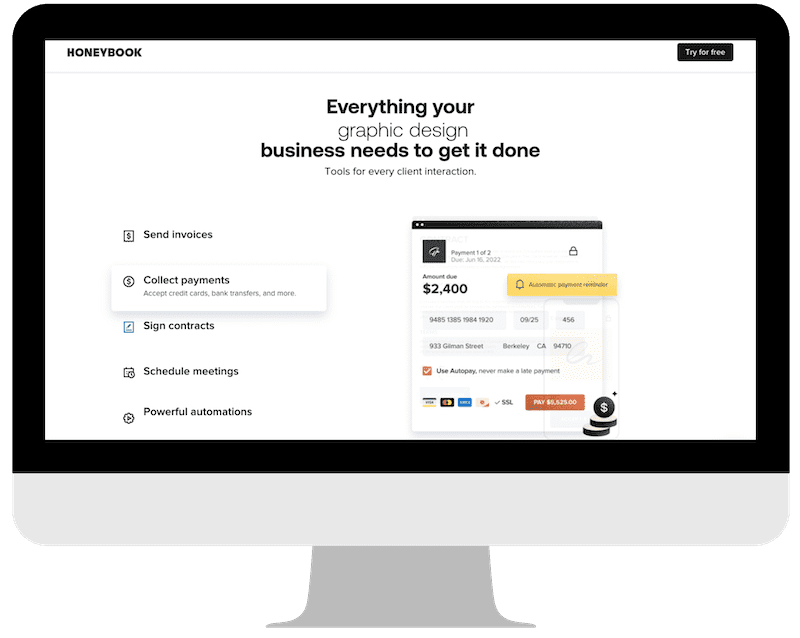
Overall, Honeybook is a great system for designers! They offer lots of customization, good reporting and accounting features, and great proofing options. They are only available in the US and Canada, however.
Bonsai for Designers
Bonsai is a good CRM for designers. I enjoy their forms and invoicing, as well as their tax and accounting features. They do not have a great option for sending design proofs, however.
17Hats for Designers
17Hats is a workhorse CRM. It is extremely functional, and has good features. It’s not very customizable, though, and has no proofing capabilities.
Rock Paper Coin for Designers
Rock Paper Coin is a simple system that handles your client load and is very user-friendly. It doesn’t have a proofing setup either, but I love that it integrates with Google Drive. It’s also a great deal, as my link can get you a free year of any of their plans!
Overall Features
The winner for overall features is likely Honeybook, with Dubsado as a close second. Honeybook has released a ton of new features lately, including a lot on the accounting side. Dubsado’s new 3.0 platform is in beta testing and as a beta tester, I have high hopes for the new features they’ll be able to release once that transition is completed. Dubsado started with more features than most platforms, so they’re still ahead, but they have been slow to add new features over the past few years and Honeybook has more than caught up.
If you’re looking at specific features, the comparison chart is as comprehensive as we can provide, but here are a few standout features you may enjoy!
All of the systems we are talking about today offer:
- Payment Processing
- Invoices
- Client Email Communications
- Contracts
- Client Portal, at some level
Google Drive Integration – Available with Rock, Paper, Coin
Selling Digital Downloads – Available in Honeybook
G Suite Integration (watch the video) – Available in Honeybook
Automations – Best on Honeybook + Dubsado, Somewhat available in 17Hats + Bonsai
Collaboration with Other Vendors – Honeybook + Rock, Paper, Coin
Zoom Integration – Honeybook, Dubsado + 17Hats
FloDesk Integration – Available in Honeybook
Quickbooks Integration – Honeybook, Dubsado, Bonsai + 17Hats
Tax Help – Additional $10/mo on Bonsai
User Experience
I find all of these systems to be really user friendly. Some people find the systems with more features more difficult to learn (ie: Honeybook + Dubsado) vs. some of the more simple systems. And I know that some users simply prefer (or dislike) one of the interfaces over another. This is why I’d recommend doing the Free Trials for each system to see what you like. You can also get a real feel for the interface in our overview review videos on YouTube! I’ll link one for each system we’ve talked about today:
Cost
Personally, I wouldn’t let cost factor into this decision because the amount of time and money these systems can save you is well worth more than any of them cost. But I know that’s a hard pill to swallow when you’re adapting a new system or starting a new design business. So let’s talk cost. In general, I’d recommend signing up under the “Starter” type plan for most of these – they include the basic features that you need and then you can upgrade when you want to get into more advanced features.
*All pricing is subject to change!
Cheapest CRM for Designers
The cheapest CRM for designers will be Rock, Paper, Coin! They have a fully free plan just for invoicing, and then their professional plans are $27/mo or $33/mo paid annually. If you use my link to sign up, you can get an entire year any of their plans for free (seriously!). They have been adding a lot of new features lately, and still maintaining their very simplified user experience. If the specific features you need are included in Rock, Paper, Coin – then I’d definitely try them out. They also have a lower processing fee than most, at 2.5%!
Here’s my link for Rock Paper Coin
Another budget CRM for designers is Bonsai – their Starter plan is only $9/mo. It’s more for back-end operations, but their $19/mo Essentials plan is a good budget offer as well that includes more things like invoicing and forms!
Dubsado Cost
Dubsado pricing is currently: $200/year for the Starter plan or $400/year for the Premier plan. I wouldn’t be surprised if they increased pricing after their 3.0 release, but they usually keep pricing the same for existing customers (hint: might be a good idea to get in before 3.0 releases if you can). My link will get you 30% off your first month or year (or use code DESIGNBYLANEY).
Honeybook Cost
Honeybook is currently $29/mo for their Starter plan, $49/mo for their Essentials plan, and $109/mo for their Premium plan – all billed annually. My link will get you 30% off your first year. I think most people will be fine with the Starter or Essentials plans, and they have done a lot of recent updates that make Honeybook more feature-rich than most of the others. They offer the most customization, which is important for designers, and most extensive accounting features as well. So you might be able to use Honeybook instead of other systems like Quickbooks, making it more cost-effective.
Bonsai Cost
Bonsai’s Starter Plan is $9/mo. This one doesn’t include a lot of the client-facing things like invoices and forms, but their Essentials plan is $19/mo and includes a lot of that. Their Premium plan is $29/mo and their Elite, which most designers won’t need, is $49/mo. So Bonsai is a good cost-effective CRM for designers! I think the biggest thing missing for the price is the ability to do proofing, but I love their invoicing and accounting features. You can optionally add on Bonsai Tax to help with your taxes for $10/mo.
17Hats Cost
17Hats is the only CRM with one all-in cost, but 3 ways to buy. Currently, they charge $60/mo or $600/year or $800/2 years. If you buy without doing the free trial, you can save 50% on those yearly or 2-yearly prices, and they do offer a 30-day money back guarantee so that can help with the pricing if you’re willing to risk it.
Aesthetics + Customization
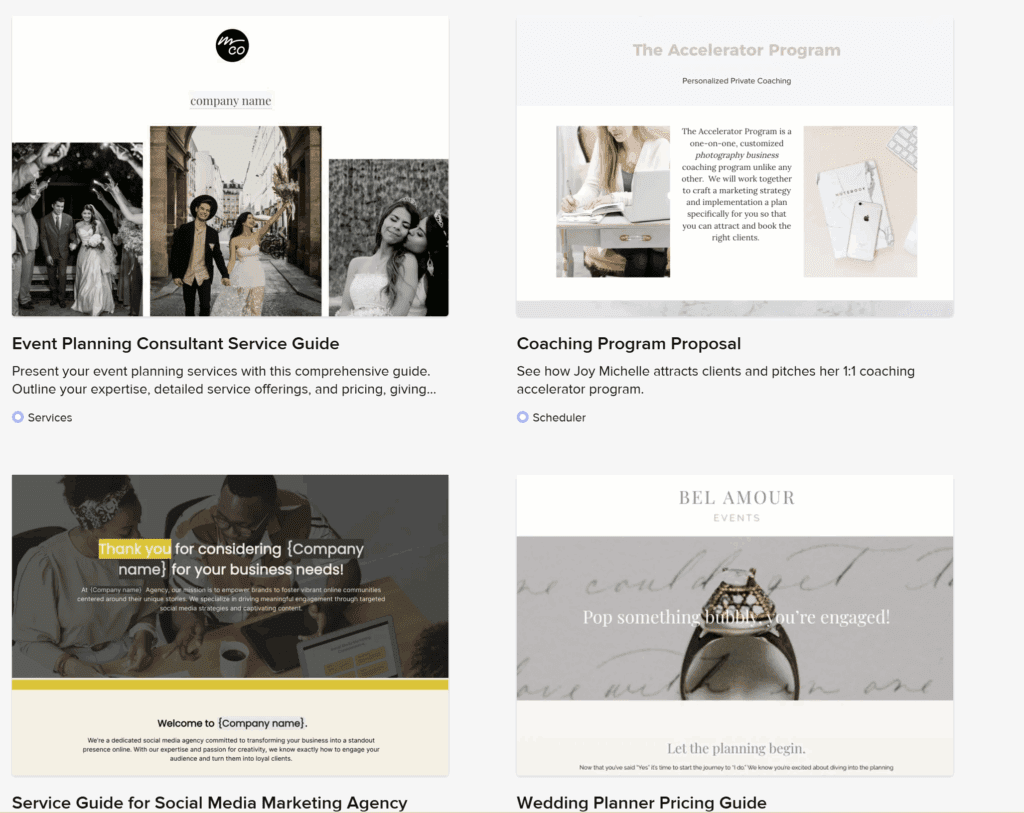
Honeybook leads the charge with aesthetics and customization. You can edit any of your files to change background colors, fonts, add images, etc. Here’s an example of some of their provided templates.
Dubsado’s Form Builder has a lot of similar capabilities, and allows for more advanced coding if you know how to do that, so you can customize your forms there as well!
The other systems generally only allow for basic customization and aesthetic preferences (adding a few color choices here and there, or uploading your logo, for instance).
Design Proofing Options
This one is huge for me as a stationery designer, and I assume huge for other designers as well! I need an option for design proofing – sending clients proofs, collecting feedback, and getting approval on that. There are only 2 CRMs I’ve explored that have built-in proofing capability which is why I am always recommending Dubsado and Honeybook for designers.
In Dubsado, you can use the Subcontract form option to send proofs – upload your proofs as images, and then add feedback fields below. Then, you can collect a signature at the bottom. Here’s a video showing my design proofing in Dubsado.
Honeybook also allows for something similar in their Files! I even created a file template that you can access in their template gallery just for design proofs. Here’s a video showing how I do design proofs in Honeybook!
Availability
Dubsado, 17Hats, Bonsai, and Rock Paper Coin are available globally.
Honeybook is available only in the US and Canada.
Simplest CRM for Designers
I know that setting up a CRM can feel overwhelming – for that reason, I’d recommend Rock Paper Coin as a super simple CRM. It can handle invoicing + payments, client communications, shared files + folders, contracts, and more! But it doesn’t take long to set up and you don’t need to build out a bunch of forms to get started.
Plus, my link will get you a free year (seriously) of any of their plans, so it’s a good one to get started with if you don’t want all the additional features!

View the entire CRM Comparison Chart to see which system is best for your design business!


Behind the scenes with your favorite Stationery Auntie Laney (and all the inside scoops!)


